
Satellite Finder
Align your satellite dish: angles, map line, Sun shadow, compass. No ads
Get it on Google Play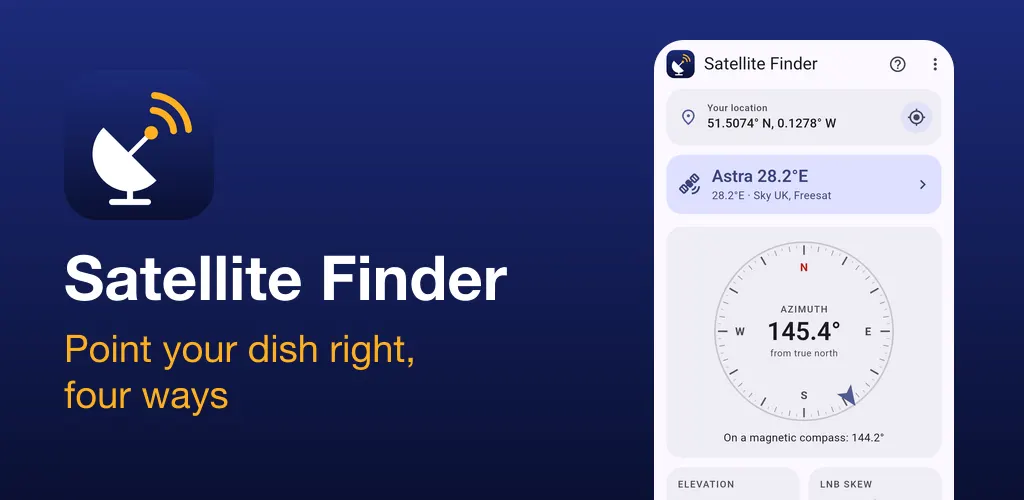
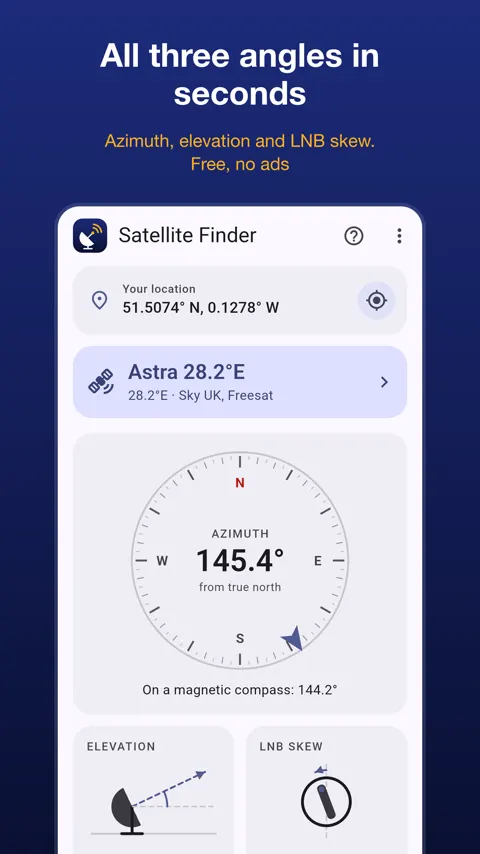
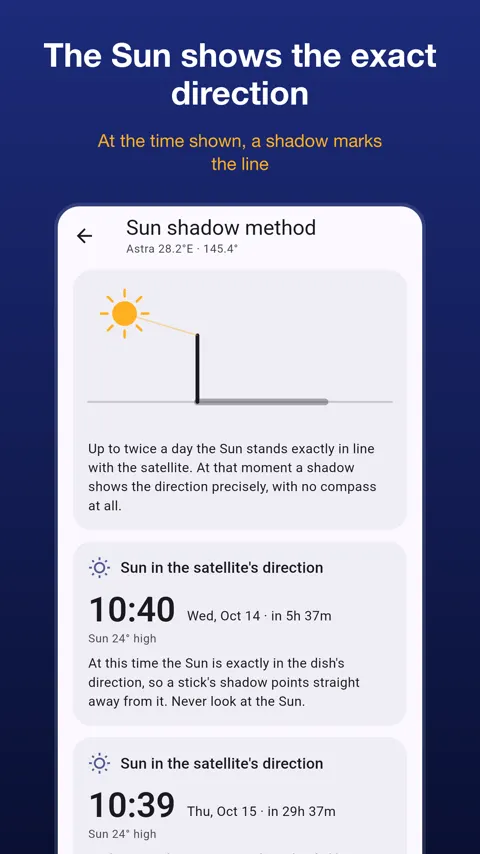
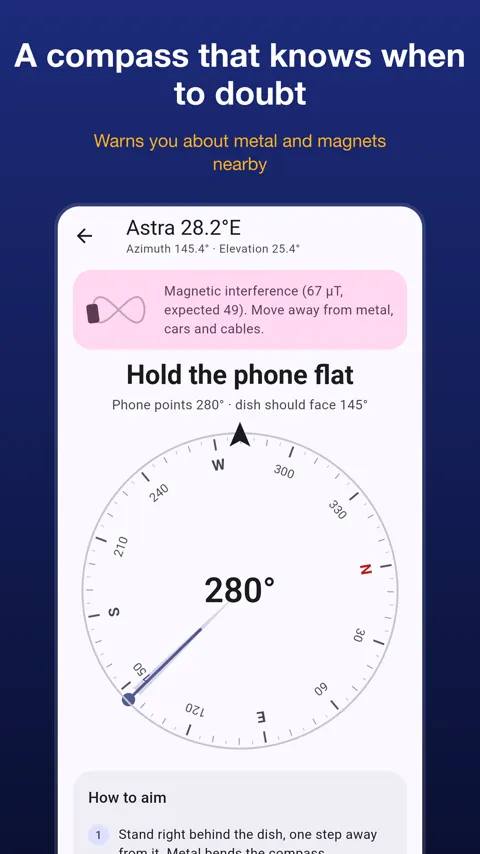
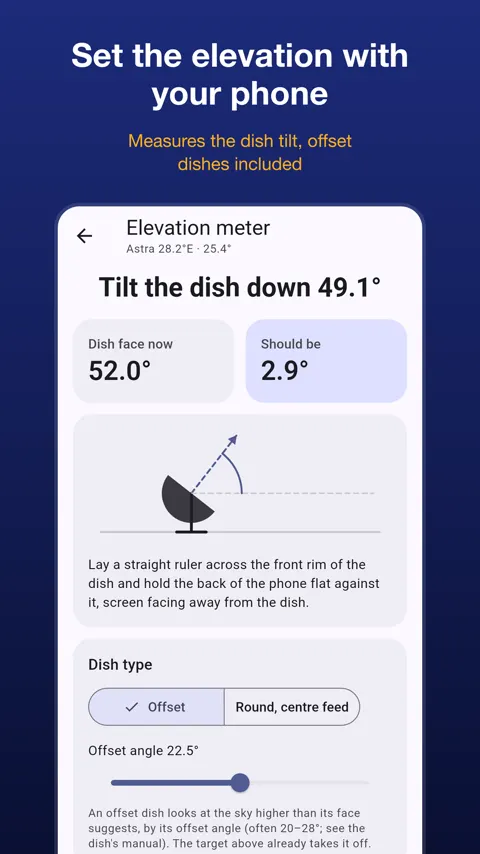
Satellite Finder helps you aim a satellite TV dish yourself. Pick a satellite, and it gives you the numbers an installer uses, from where you stand, along with several ways to get the dish pointed. It is aimed at people setting up or re-aiming a dish at home.
The three numbers behind every dish setup
To receive a satellite, a dish needs the right azimuth, elevation and LNB skew. Azimuth is the compass direction to turn. Elevation is how far the dish tilts up from the horizon. Skew is how far the LNB rotates on its arm. All three depend on where you are and which satellite you want, which is why a number copied from a friend in another town is wrong for you. Satellite Finder takes your position from GPS, or you can type it in.
Choosing the satellite
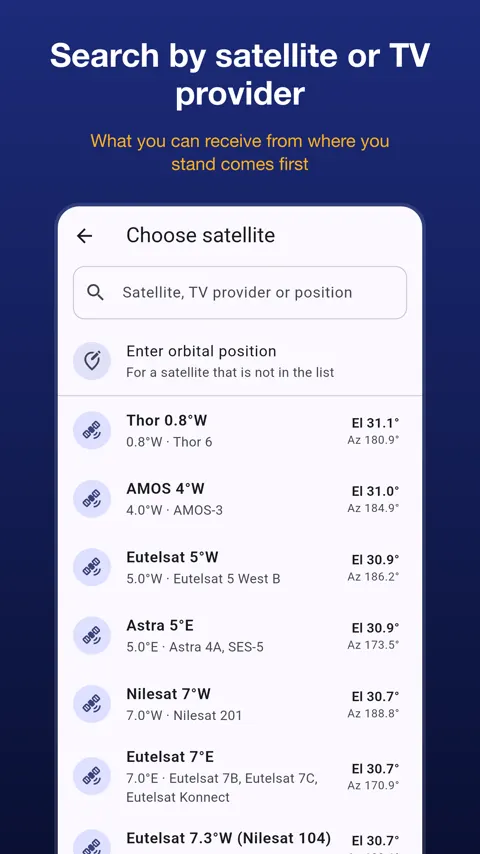
Search by satellite name, orbital position or TV provider. Satellites you can receive from your spot are listed first, with the highest in the sky on top, and ones too low or below your horizon are marked. The list covers the main DTH and other TV satellite positions for India, Indonesia, Brazil, Turkey, the Middle East, Europe, Africa, Russia and North America. If yours is missing, enter any orbital position, east or west.
Four ways to aim
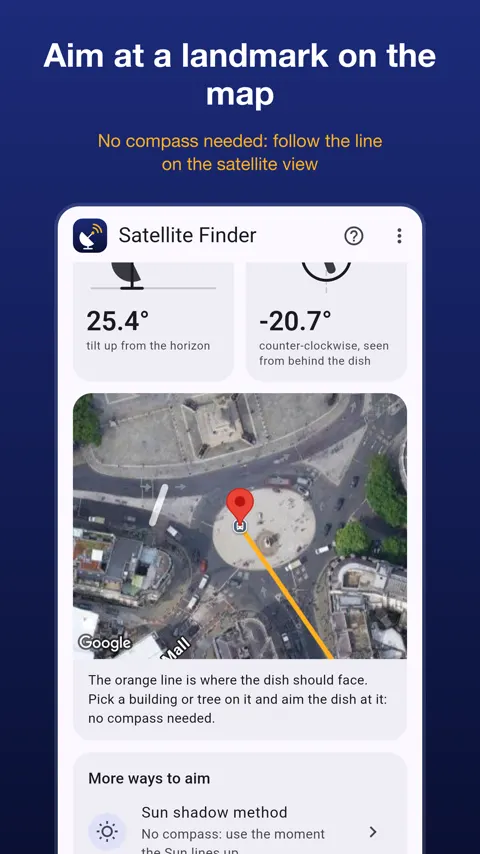
- Map: a line on the satellite map shows where the dish must face. Pick a building or tree on that line and aim at it. No compass needed.
- Sun shadow: the app tells you the moment the Sun lines up with your satellite. The shadow of a stick then marks the exact direction.
- Live compass: hold the phone flat and turn until it says On target. It beeps faster as you get closer and buzzes on target, so you can listen while you turn the dish.
- Elevation meter: hold the phone against the dish and the app tells you to tilt up or down, with pictures of where to put the phone on offset and flat dishes.
Why compasses fail near a dish
Metal, magnets and cables disturb a phone compass, and many apps never say so. Satellite Finder compares the magnetic field with the model for your location, corrects magnetic declination with the World Magnetic Model, and asks you to calibrate with a figure 8 when the reading cannot be trusted.
After the rough aim
A step-by-step guide runs from setting up a vertical pole to final fine-tuning with your receiver’s signal quality screen. It includes a checklist for when there is no signal.
The app has no ads, no account and no sign-up, and comes in English, Arabic, Indonesian, Spanish, French, Brazilian Portuguese, Turkish and Hindi.
What numbers do I need to point a satellite dish?
Three: azimuth (which way to turn the dish), elevation (how far to tilt it up) and LNB skew (how far to rotate the LNB). The app calculates all three from your position.
Can I align a dish without trusting the phone compass?
Yes. The map method and the sun shadow method do not need a compass. You aim at a landmark on the line, or use the stick shadow when the Sun lines up with your satellite.
Does the app measure the satellite signal?
No. A phone cannot measure it. The app gets your dish within a few degrees, and you finish with your receiver's signal quality screen or a signal meter.
Does it work offline?
The angles, compass, Sun method and elevation meter work without internet. The map needs a connection.